Otter.ai made automatic meeting transcription normal. It is fast, it is accurate enough for most calls, and it has been the default answer to "how do I get notes from this meeting?" for years. But the reasons people start shopping for an alternative are consistent: the free plan runs out, a visible bot joins calls where a bot is awkward, and everything useful happens after the meeting is already over.
This is a comparison of the six alternatives that come up most often in 2026, with what each one is actually good at and who should pick it. Full disclosure: we build Mufal, the first tool on the list — so weigh our ranking accordingly, and treat the rest of the list as a genuine map of the category rather than a formality. All prices below are the publicly listed ones as of August 2026 and are worth re-checking on each vendor's site before you buy.
Why people look for an Otter.ai alternative
Five reasons come up again and again:
- The free plan is tight. Otter's free tier gives you roughly 300 minutes per month with a 30-minute cap per conversation and English-only transcription. Two long calls a week and you are done.
- Paid gets expensive per seat. Pro is around $16.99/month monthly (about $8.33/month billed annually) for 1,200 minutes; Business is around $30/user/month monthly, roughly $19.99/user/month annually. Multiply that by a team.
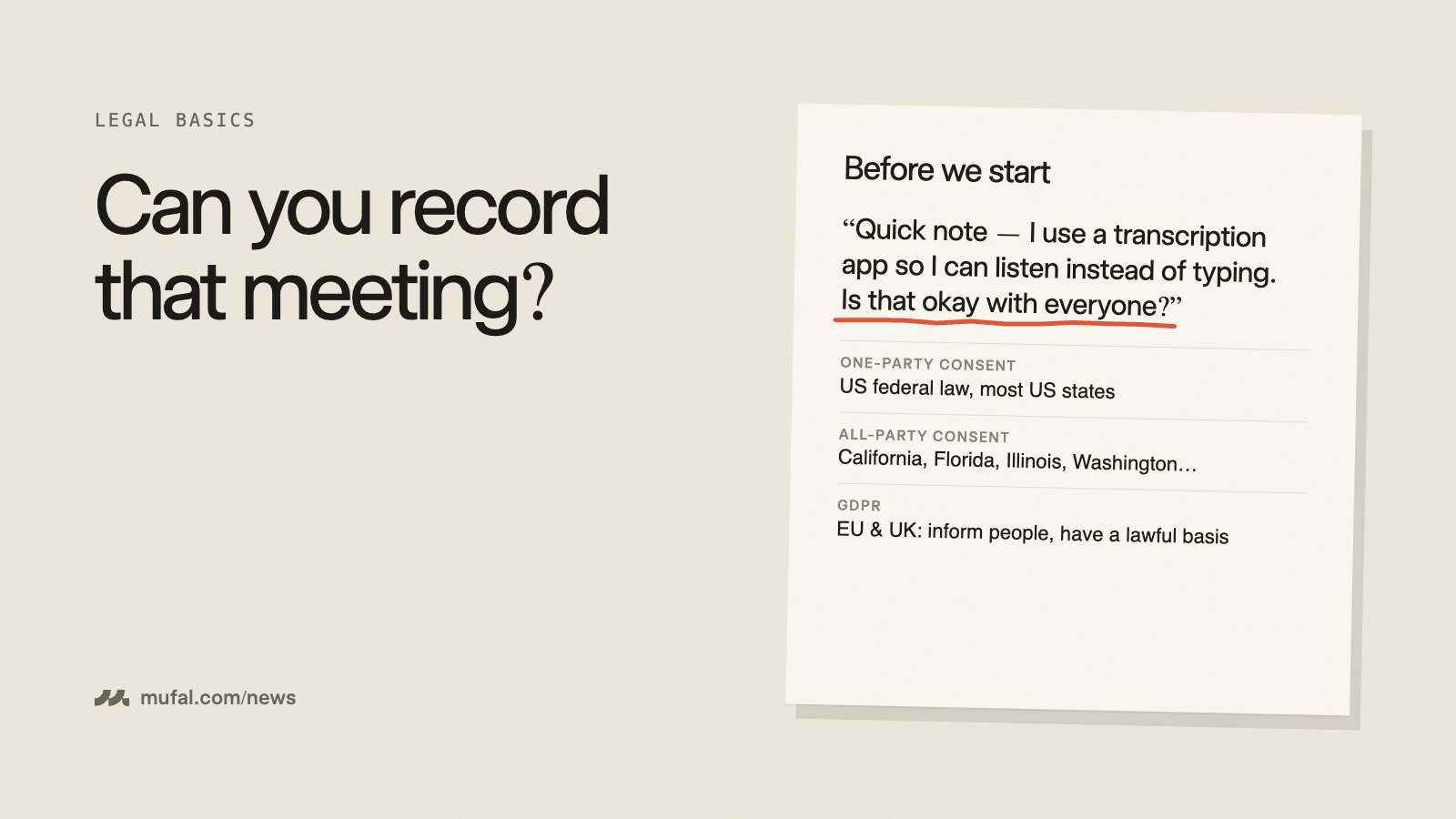
- A bot joins the call. In an interview, a client escalation, a fundraise conversation, or a legal review, an extra participant named after a software vendor changes how people speak — or gets blocked outright.
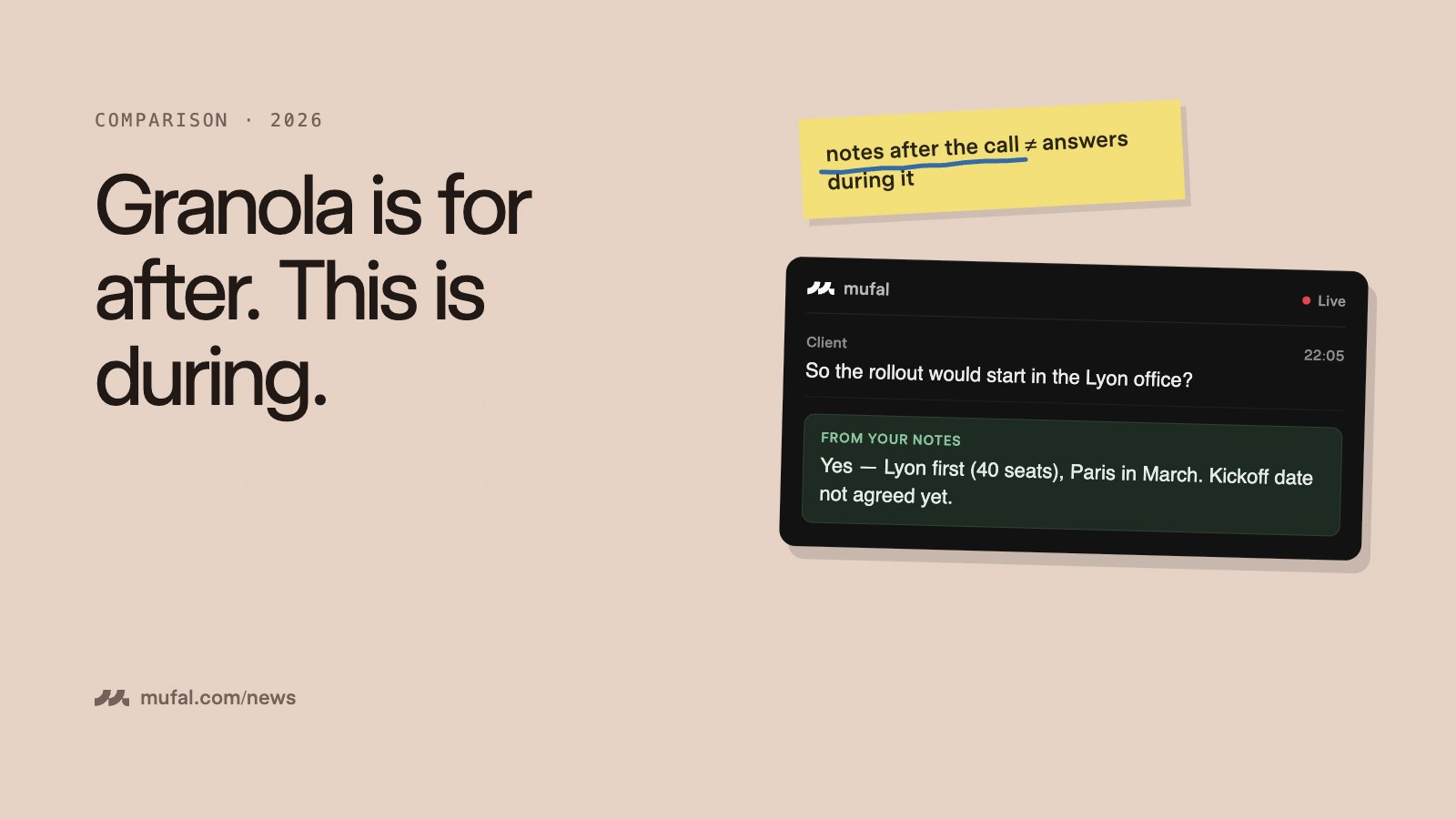
- Help arrives too late. A transcript and a summary after the call cannot help you handle the objection that just landed, or remember the number you were supposed to quote.
- Your audio lives on someone else's servers. For regulated or confidential conversations, "we have a privacy policy" is not the same as "the data never leaves your account".
What to look for in an alternative
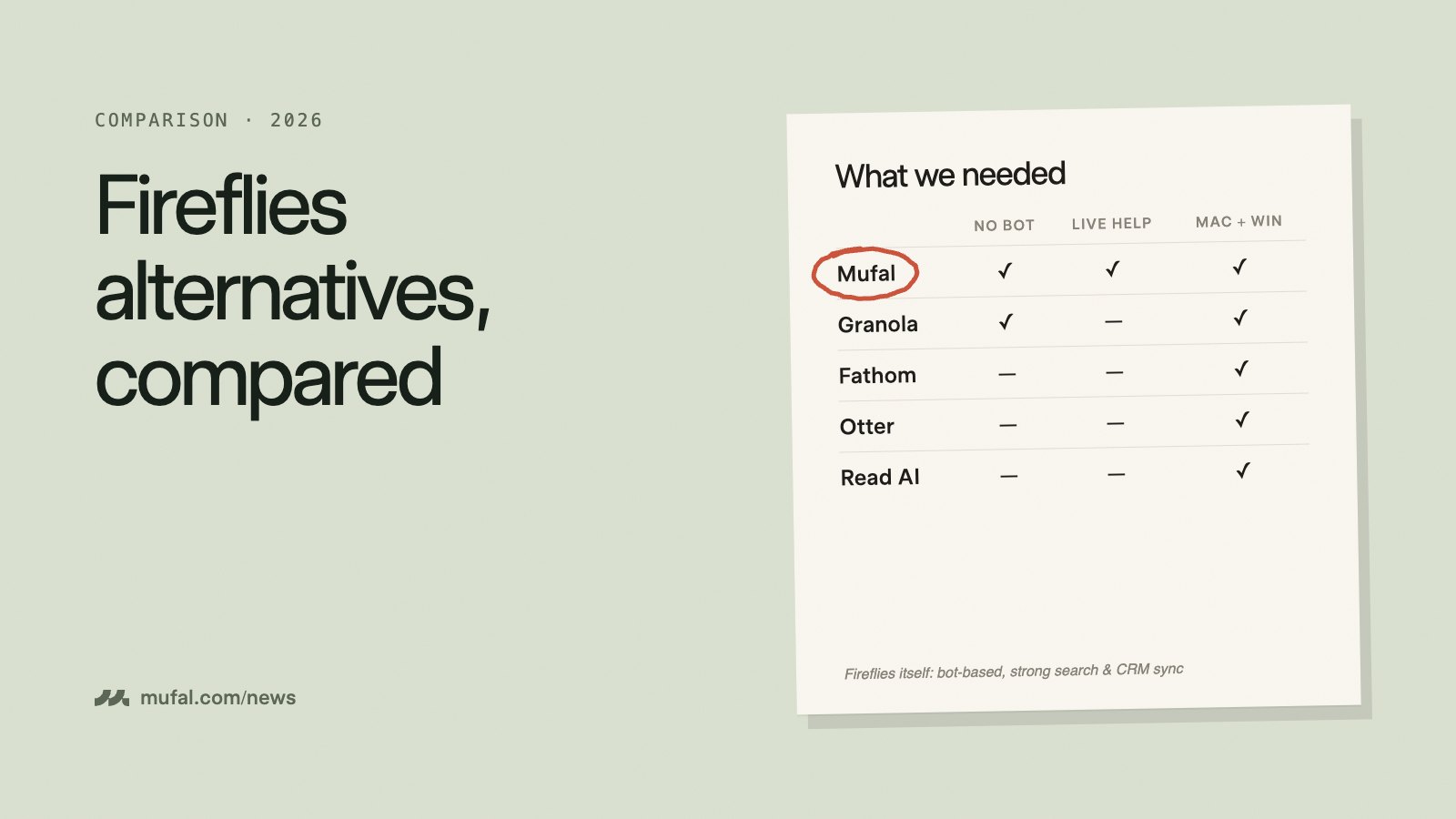
- Bot or no bot. Bot-based tools are frictionless for internal standups and terrible for sensitive or in-person conversations. Desktop capture works everywhere, including phone calls and rooms.
- During the call, or only after? Post-meeting notes are table stakes. Live coaching — questions to ask, objections to answer, context to recall — is the part that changes the outcome.
- Where the audio is processed, and who holds the key. Ask whether transcripts are retained, whether they train on your meetings, and whether you can bring your own provider account.
- Model choice. A cheap fast model is right for summaries; a strong reasoning model is right for negotiation prep. Being locked to one vendor's model means you lose that dial.
- Real cost at your team size. Per-seat pricing, minute ceilings, and annual-only discounts move the total far more than the headline number.
The six alternatives at a glance
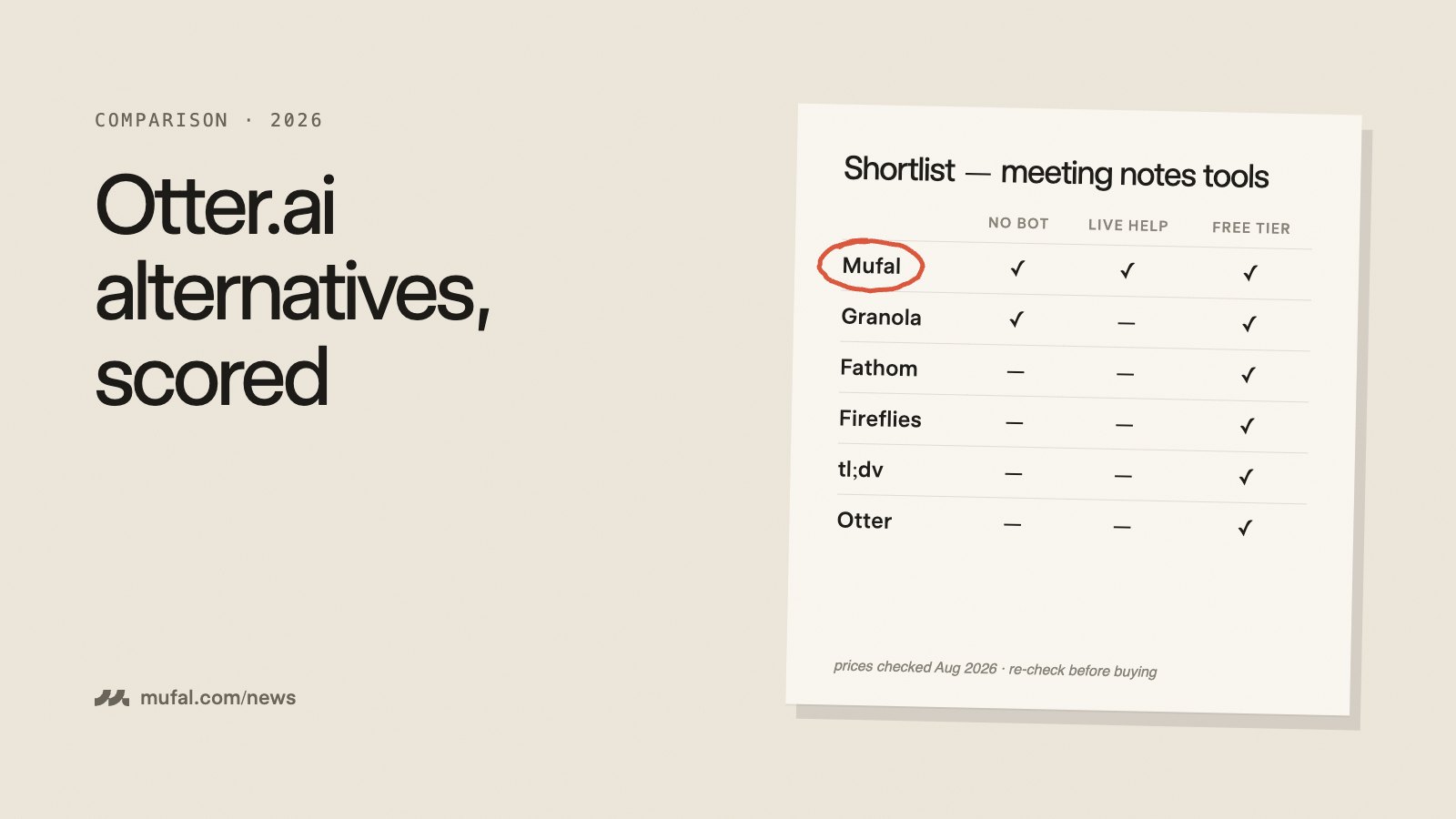
| Tool | Bot in the call? | Live help | Entry price | Best for |
|---|---|---|---|---|
| Mufal | No — desktop capture | Yes, real-time | Free · Pro+ $25/mo | Help during the call, any meeting platform |
| Granola | No | No | Free · from ~$14/user/mo | Personal notes you actually trust |
| Fireflies | Yes | No | Free · from ~$10/user/mo annual | Revenue teams pushing notes into a CRM |
| Fathom | Yes | No | Free · ~$20/mo premium | Individuals who want a strong free tier |
| Read AI | Yes | Partial | Free tier available | Engagement and sentiment analytics |
| Cluely | No | Yes, real-time | $19.99/mo Pro | Overlay coaching, single locked model |
| Otter.ai (baseline) | Yes | No | Free 300 min · Pro ~$16.99/mo | Company-wide transcript system of record |
1. Mufal — the alternative that helps while you are still talking
Mufal is a desktop meeting copilot for macOS and Windows, with an iOS app for conversations that happen away from a laptop. It captures audio from your machine rather than joining the call, so nothing appears in the participant list and it works identically in Zoom, Google Meet, Teams, a phone call, or a meeting room.
The difference from Otter is what happens during the meeting. Mufal transcribes live and gives you a private panel: follow-up questions to ask, structured answers to objections, the account context you loaded before the call, and running notes. Afterwards you still get the transcript, summary, decisions, and action items — the Otter output is a subset of what you get, not a trade-off.
It is also deliberately small. The app is built with Tauri and Rust, so the download is around 11 MB rather than a few hundred megabytes of bundled browser, and it stays quiet while you are screen-sharing from the same machine.
Pricing: the free plan includes 60 minutes of live transcription per month and 25 AI answers per day with no credit card and no keys to configure. Pro+ is $25/month, or $240/year (about $20/month), for unlimited transcription, unlimited AI answers, premium models, cloud sync, and 12+ languages. If you would rather not pay at all, you can plug in your own AssemblyAI and OpenRouter keys for free and run unlimited at provider cost.
Model choice: AI requests route through OpenRouter, so you pick the model in Settings — a fast one for summaries, a stronger reasoning model for a negotiation.
Weak spots, honestly: Mufal is built around the person in the meeting, not around a company-wide archive. If what you want is an org-wide searchable library of every call every employee has ever had, with admin retention policies on top, Otter or Fireflies is the more natural fit today. There is no Linux build.
2. Granola — best pure notetaker without a bot
Granola takes the notes you type during a call and enriches them with what was actually said, which produces notes that read like a human wrote them because a human partly did. Like Mufal, it does not send a bot, so it works for in-person meetings and for calls where a recorder would be unwelcome.
The Basic plan is free with limited history and no integrations; paid plans start around $14/user/month. It is a notes product, not a live copilot — there is no real-time coaching while the conversation is happening, and it is Mac-first.
Pick it if: you want the cleanest personal meeting notes and nothing else.
3. Fireflies — best if the notes need to land in your CRM
Fireflies joins calls as a bot (or captures via a Chrome extension), transcribes in many languages, and its real strength is distribution: native integrations with Salesforce, HubSpot, Pipedrive, and Copper, plus a search layer across everything the team has recorded.
Pricing runs roughly $10/seat/month annually (about $18 monthly) for Pro and $19/seat/month annually (about $29 monthly) for Business, with an Enterprise tier around $39/seat. The free plan caps storage at a few hundred minutes for the whole team and blocks transcript downloads.
Pick it if: the value is meeting intelligence flowing automatically into a revenue stack, and a visible bot is fine in your culture.
4. Fathom — best free tier if a bot is acceptable
Fathom is the easiest recommendation for an individual who just wants recordings, transcripts, and summaries without paying. The free plan covers unlimited recordings with a handful of AI summaries per month; premium is around $20/month and team plans around $19/user/month, cheaper annually.
It is bot-based and strongest inside video-call platforms, so it does not cover in-person meetings or phone calls.
Pick it if: you want the most generous free recording tier and you do not mind the bot.
5. Read AI — best for meeting analytics
Read AI goes past the transcript into engagement, sentiment, and participation analytics, and extends across email and chat as well as meetings. There is a free tier to test it.
That analytics angle is genuinely differentiated — and it is also the reason some teams reject it, since measuring how engaged people were in a call is a cultural decision, not just a feature.
Pick it if: you care about how meetings run as much as what was said in them.
6. Cluely — real-time overlay, at a price
Cluely popularised the real-time overlay: an assistant that listens and coaches you live without joining the call. It is a well-built product and it defined a lot of this category.
The friction is the pricing ladder and the lock-in. The free tier is a demo (a handful of AI responses per day with truncated output). Pro is $19.99/month. The screen-share undetectability tier is listed at $149.99/month, roughly $44.99/month on an annual commitment. There is an Enterprise tier around $200/month and a mobile plan billed weekly. You also use whichever model Cluely serves you, at whatever speed they have configured.
Cluely vs Mufal, head to head
These two are the closest comparison in the list, because they are the only ones on it that try to help you during the meeting rather than summarise it afterwards. Here is the direct breakdown.
| Mufal | Cluely | |
|---|---|---|
| Free plan | 60 min/month, 25 AI answers/day | Demo tier — a few AI responses per day, capped output |
| Paid entry | $25/month, or $240/year (~$20/month) | $19.99/month Pro |
| Model choice | Any model via OpenRouter | Locked to Cluely's backend |
| Bring your own API keys | Yes — free, unlimited at provider cost | No |
| App weight | ~11 MB (Tauri / Rust) | Hundreds of MB (Electron) |
| Platforms | macOS, Windows, iOS | macOS, Windows, iOS (mobile billed separately) |
The headline number favours Cluely by five dollars a month. The gap shows up elsewhere: Mufal's free plan is usable for a few real calls a week, everything is included in the one paid plan, and you can skip the subscription entirely by running on your own API keys.
The second gap is control. Mufal lets you choose the model per use case and, if you prefer, run entirely on your own AssemblyAI and OpenRouter accounts — your keys, your data retention settings, your bill, and no meeting audio passing through us. With Cluely, the provider and the pipeline are fixed.
Where Cluely wins: it is a more opinionated, more polished single-path product, and if you want one button that does one thing without thinking about models or keys, that simplicity is worth something. We wrote a longer version of this comparison in Mufal vs Cluely, and there is a dedicated Cluely alternative page if that is the specific switch you are evaluating.
Which one should you pick?
- You want help during the call, not just a transcript after it → Mufal.
- Your meetings are sensitive, in person, or on the phone → Mufal or Granola. No bot, no explanation needed.
- You want the best personal notes and nothing more → Granola.
- Notes must land in Salesforce or HubSpot automatically → Fireflies.
- You want the most you can get for free and a bot is fine → Fathom.
- You are measuring how meetings run, not just what was said → Read AI.
- You want an opinionated real-time overlay and price is not the constraint → Cluely.
When you should just stay on Otter.ai
Switching is not automatically the right call. Stay if you need a company-wide, admin-governed system of record where every meeting is searchable by anyone with permission; if your workflows already depend on Otter's integrations and shared channels; or if a bot in the call is genuinely a non-issue in your organisation and 1,200 minutes a month covers you. Otter does that job well, and "cheaper" is not a reason to break something that works.
Frequently asked questions
What is the best free Otter.ai alternative?
Fathom has the most generous free recording tier if you accept a bot in the call. If you want live in-meeting help and no bot, Mufal's free plan gives you 60 minutes of transcription per month and 25 AI answers per day, and you can bring your own API keys to remove the limits entirely at no subscription cost.
Which Otter.ai alternative works without a meeting bot?
Mufal, Granola, and Cluely all capture from your device instead of joining the meeting. Otter, Fireflies, Fathom, and Read AI send a visible participant to the call.
Is there an Otter.ai alternative that helps during the meeting?
Mufal and Cluely are the two real-time options. Everything else in this list is a post-meeting notes product, however good the notes are.
Can I use my own AI API keys instead of paying a subscription?
With Mufal, yes — add your own AssemblyAI and OpenRouter keys in Settings and run unlimited at provider cost with no Mufal subscription. None of the other tools listed here offer that.
Does Mufal work with Zoom, Google Meet, and Teams?
Yes. Because it captures from your desktop rather than integrating with a specific platform's bot API, it works the same way across Zoom, Meet, Teams, Webex, phone calls, and in-person conversations.
If real-time help is the part Otter has been missing for you, download Mufal and run it beside your next call — the free plan needs no credit card and nothing to configure. Compare the plans on the pricing page.