Fireflies.ai does a lot well. Its bot joins Zoom, Google Meet and Teams, records, transcribes in dozens of languages, and pushes notes into your CRM. For a sales team that wants every call searchable, it is a reasonable default.
People start looking elsewhere for three reasons. The bot itself, a visible "Fireflies Notetaker" in the participant list, which some clients and candidates do not like. The pricing structure, where the plan price is only part of the story because advanced AI features run on a credit pool. And timing: Fireflies is built to help after the call, not during it.
Disclosure: we make Mufal, which is first on this list. We tried to describe the others the way their own customers would. Prices are public list prices checked at the end of September 2026; check each vendor's pricing page before you buy, because they change often.
What Fireflies costs today
Fireflies has a Free plan, Pro at around $10 per seat per month billed yearly ($18 monthly), Business at around $19 per seat yearly ($29 monthly), and Enterprise at around $39. The free plan has limited storage, and AI features beyond summaries draw on AI credits. For a team of eight on Business, you are looking at roughly $1,800 to $2,800 a year depending on billing.
The alternatives at a glance
| Tool | Bot in the call | Help during the call | Starting price | Best for |
|---|---|---|---|---|
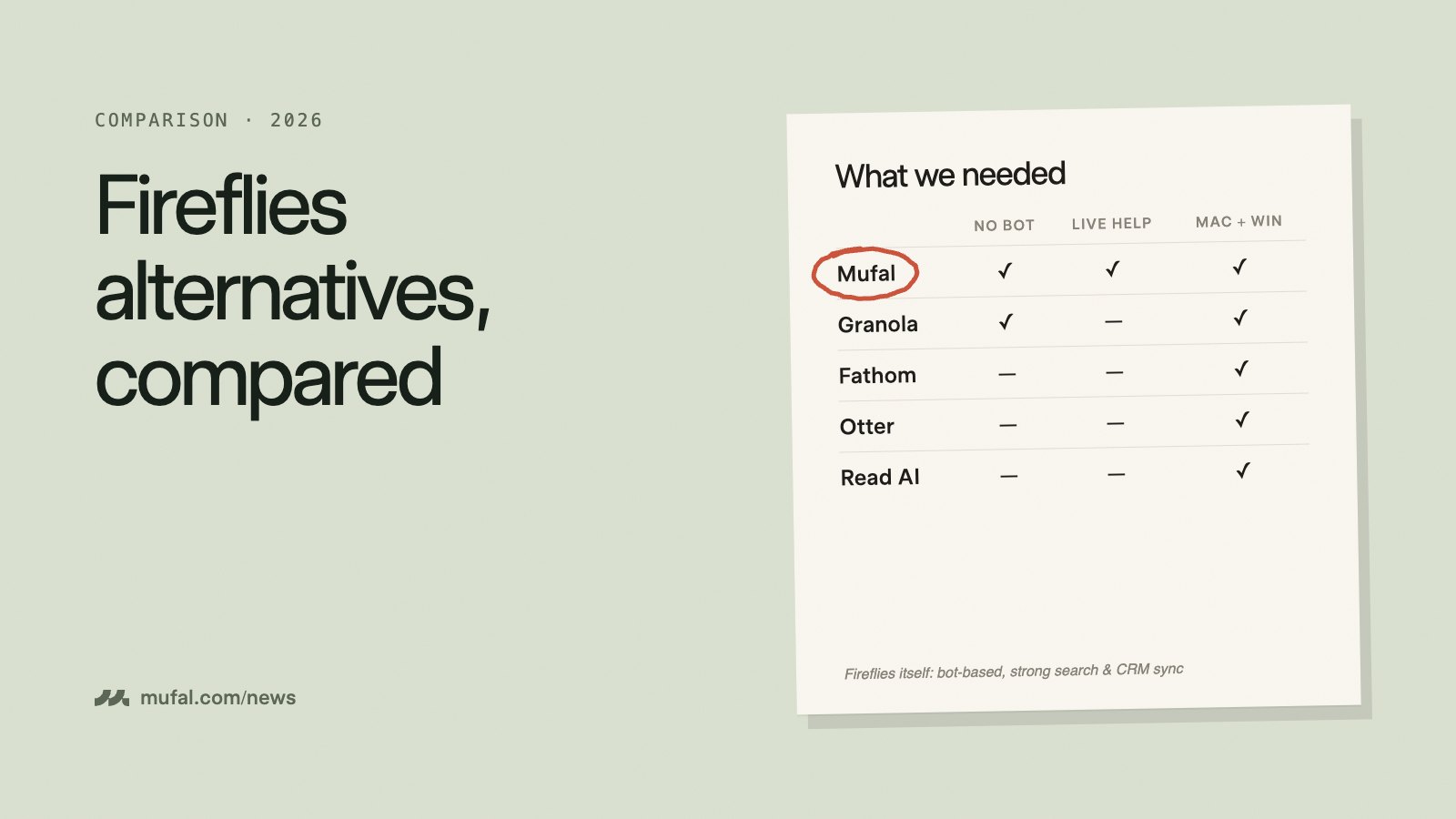
| Mufal | No (desktop app) | Yes | Free · Pro+ $25/mo | Live answers and notes, any platform |
| Granola | No (desktop app) | No | Free · Business ~$14/user | Clean personal notes |
| Fathom | Yes | No | Free · Premium ~$16–20/mo | Generous free recording |
| Otter.ai | Yes (or app) | Limited | Free · Pro ~$8–17/mo | Searchable transcript archive |
| Read AI | Yes | Limited | Free · Pro ~$20/user | Meeting analytics and reports |
| tl;dv | Yes | No | Free · Pro ~$29/user | Video clips for product teams |
1. Mufal: when you need help while the call is happening
Mufal runs on your Mac or Windows computer and listens to your microphone and the meeting audio, so nothing joins the call. It works with Zoom, Meet, Teams, Webex, Slack huddles, or a phone call on speaker, because it does not depend on a meeting integration.
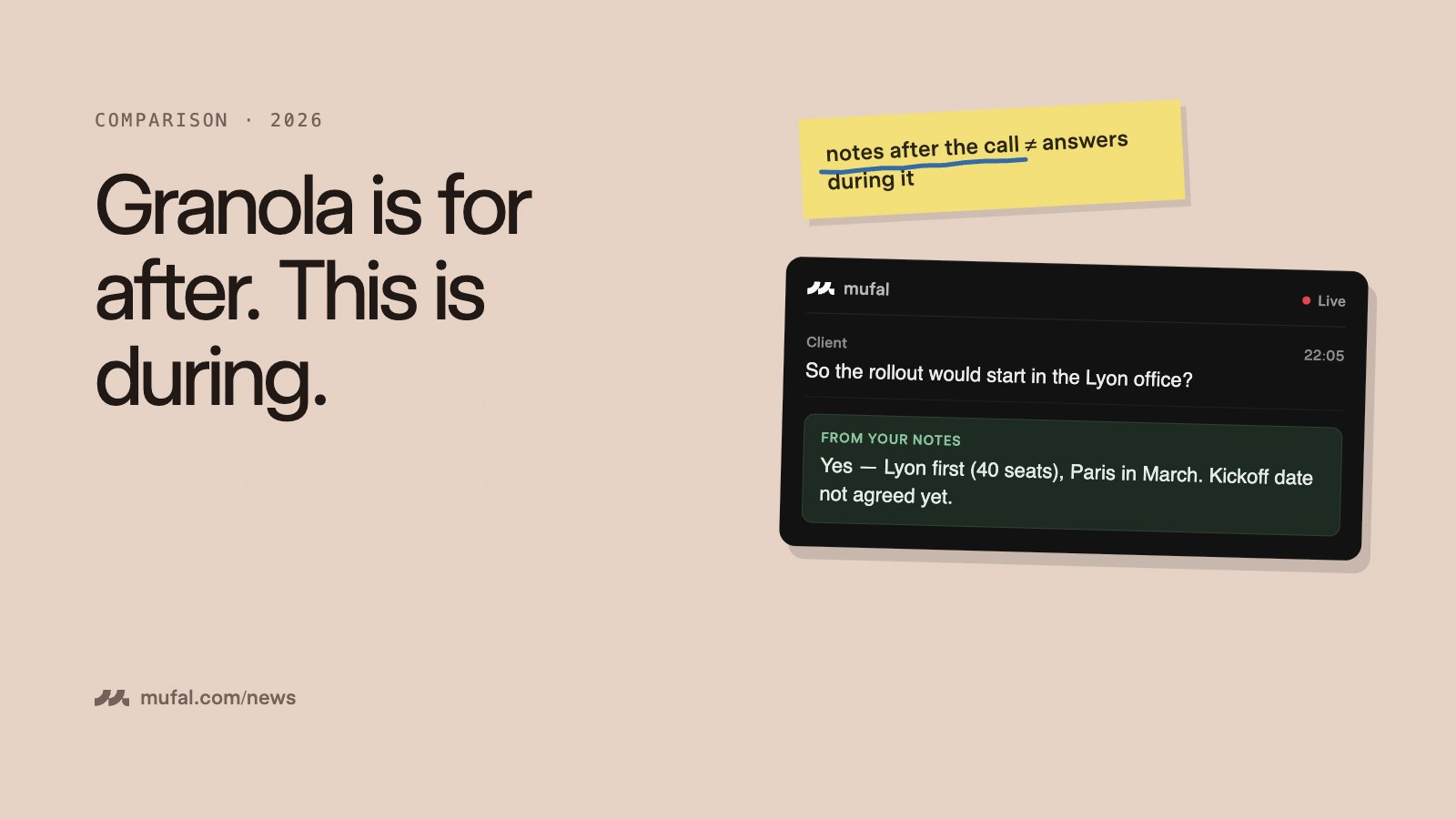
The difference with Fireflies is the timing. While the conversation is going, you can click Answer or type a question ("what did she say about the budget?", "suggest a follow-up question") and get a reply based on what has been said so far plus any documents you attached. After the call you get the transcript, a summary and a follow-up draft.
Pricing: free with 60 minutes of transcription a month and 25 AI answers a day. Pro+ is $25 a month or $240 a year with no limits. You can also add your own AssemblyAI and OpenRouter keys on the free plan and pay those providers directly.
Where Fireflies is better: team-wide search across every recorded call, CRM sync, and conversation analytics for managers. Mufal is built for the person in the meeting, not for a sales ops dashboard.
2. Granola: notes you would have written yourself
Granola is also bot-free. You type rough notes during the meeting and it fills them out afterwards using the transcript. People like it because the output looks like their own notes rather than a generic summary. It does not suggest what to say during the call. Free with limited history; Business is about $14 per user per month.
3. Fathom: the most generous free recorder
If what you liked about Fireflies was free recordings, Fathom is the closest swap. The free plan records unlimited calls with a handful of advanced summaries per month. It uses a bot, and it is focused on post-call summaries and CRM notes.
4. Otter.ai: the transcript archive
Otter is the long-standing option for searchable transcripts and shared meeting notes. Its free plan is tight (around 300 minutes a month, 30 minutes per conversation). We wrote a full comparison in Otter.ai alternatives.
5. Read AI: reports and meeting analytics
Read AI adds scores on engagement, talk time and sentiment on top of transcripts and summaries. Useful if you manage many recurring meetings and want trends; overkill if you just want notes.
6. tl;dv: clips for product and research teams
tl;dv records video and makes it easy to clip and share moments, which suits user interviews and product reviews. Bot-based, with the AI features on paid plans.
How to choose
- You need help during the call (objections, interviews, client questions): Mufal.
- You want your own notes, improved, no bot: Granola.
- You want free recordings and summaries and a bot is fine: Fathom.
- Your manager wants analytics across the team: stay on Fireflies or look at Read AI.
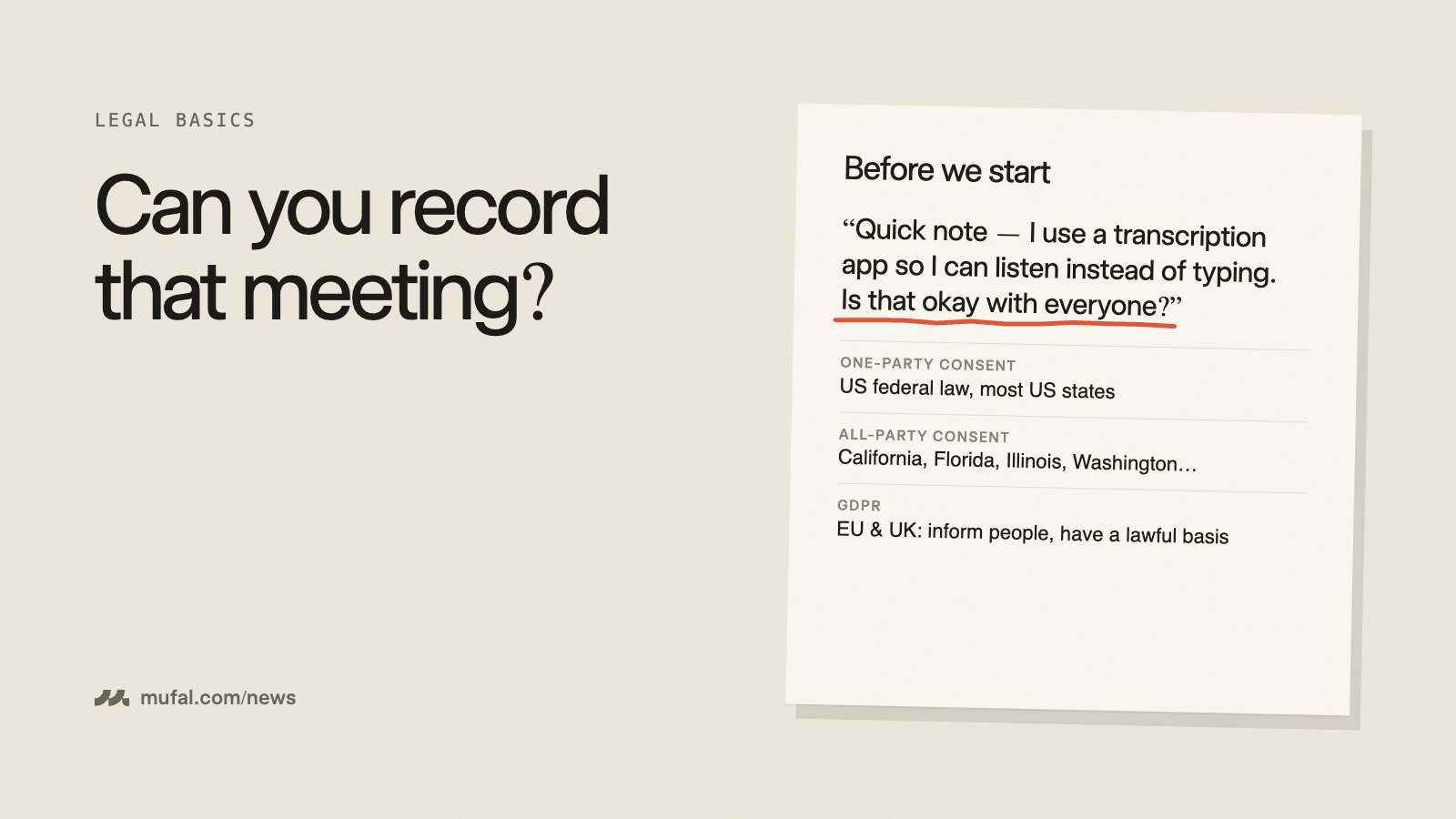
Whatever you pick, tell people when you transcribe. We explain why in our guide to recording consent.
You can try Mufal on your next call in a couple of minutes: download it here.