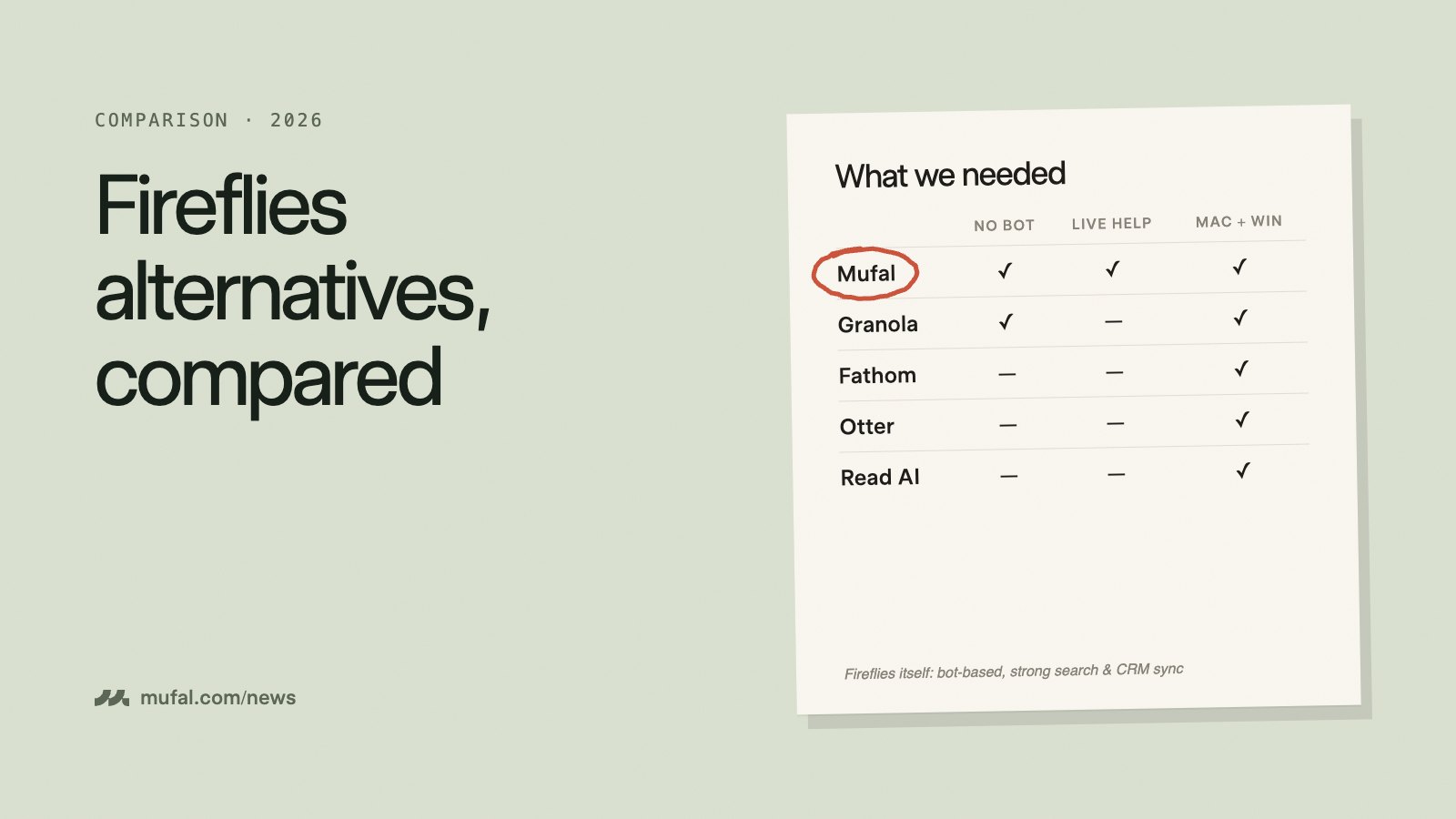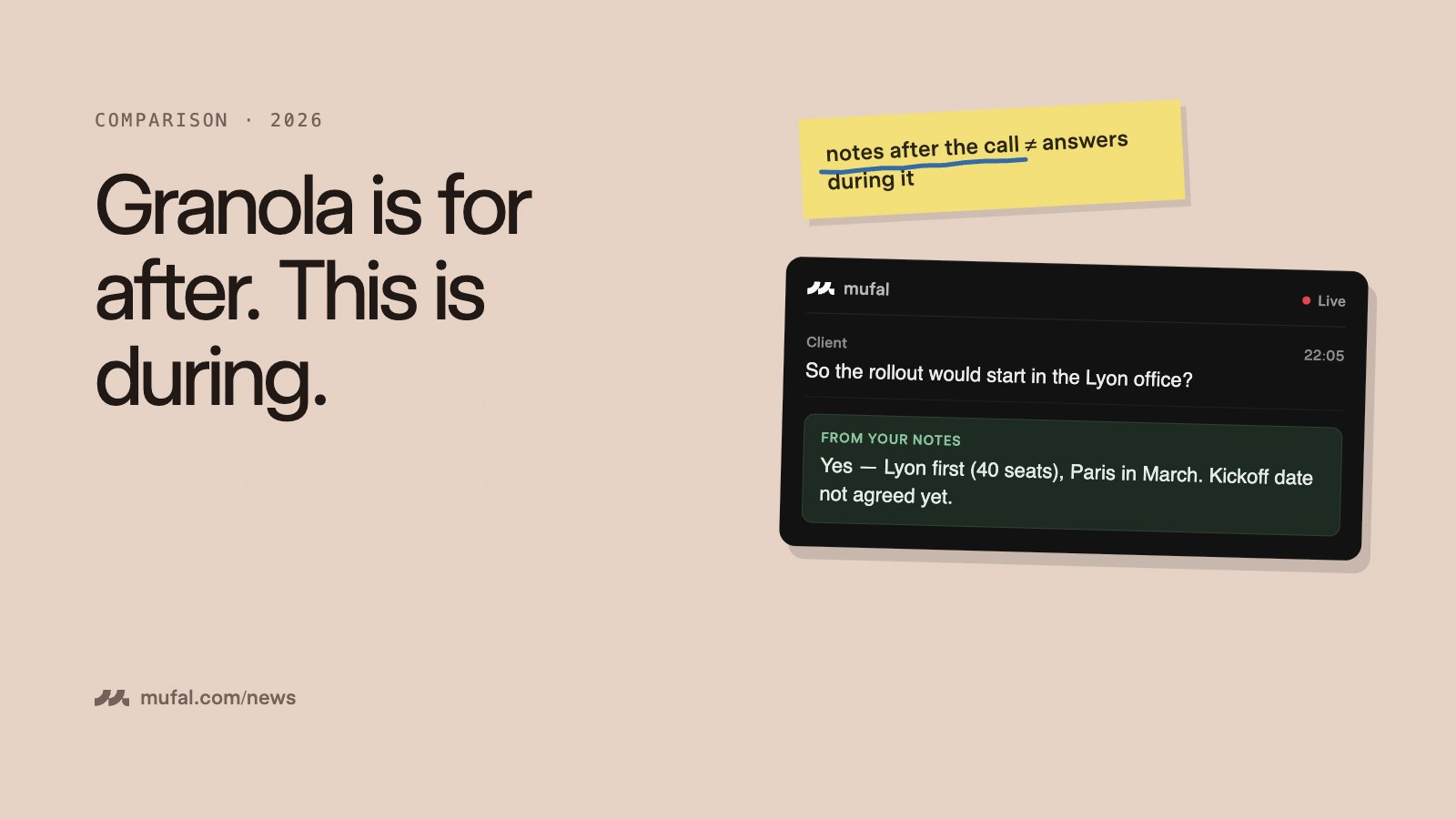
Cluely and Mufal sit in the same small category: a desktop app that listens to your calls and gives you AI help while the conversation is happening, rather than a bot that sends you notes afterwards. If you are choosing between them, the differences are in the details, so here they are.
Disclosure: we make Mufal. Cluely's prices below are its public list prices checked in September 2026; confirm them on its site before deciding.
Side by side
| Mufal | Cluely | |
|---|---|---|
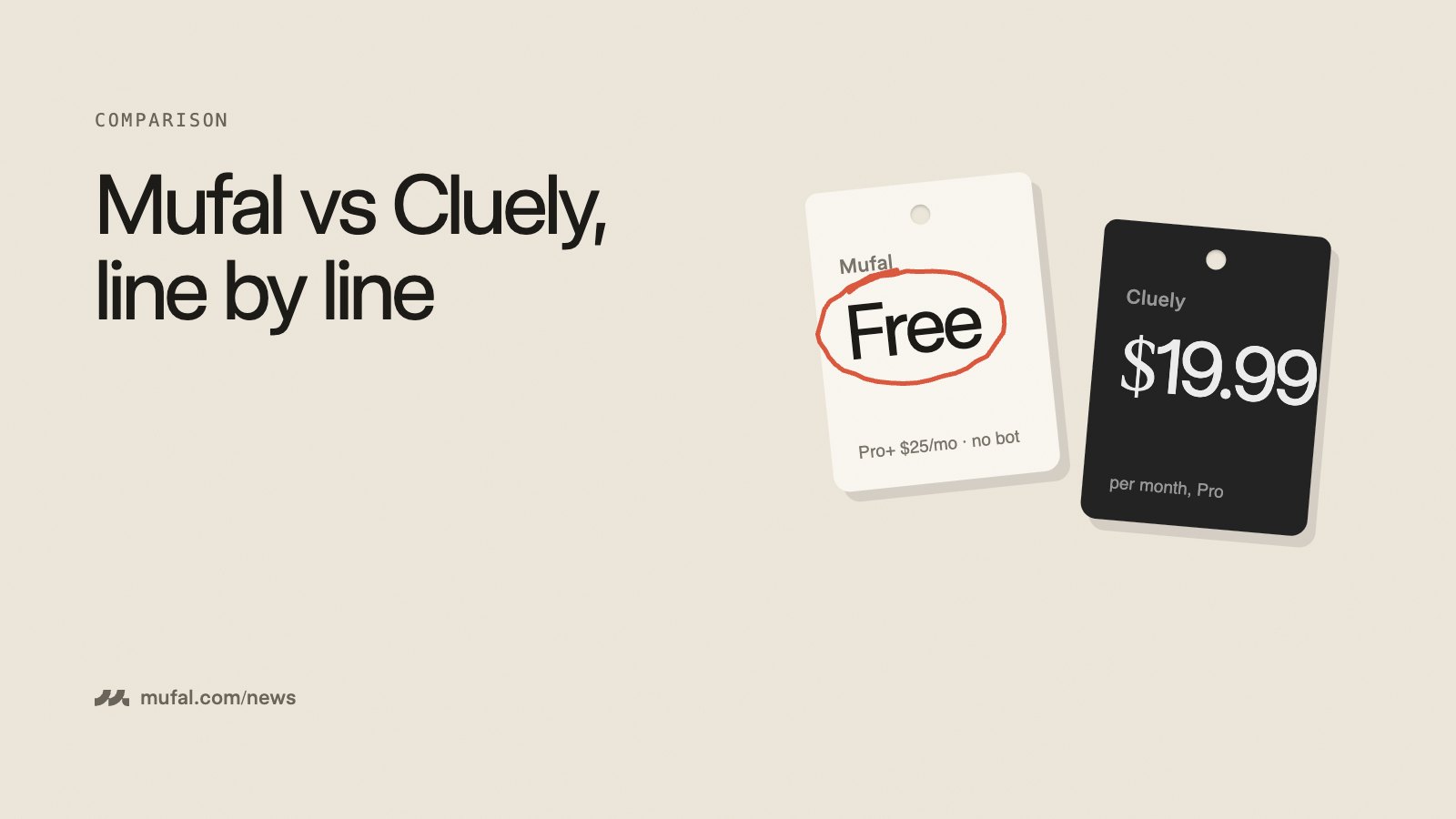
| Free plan | 60 min transcription / month, 25 AI answers / day | Limited free tier |
| Paid plan | Pro+ $25/month or $240/year, unlimited | Pro $19.99/month (less billed yearly); higher tiers for extra features |
| Bring your own API keys | Yes, free: unlimited at provider cost | No |
| Choice of AI model | Yes, via OpenRouter | Models chosen by Cluely |
| Bot joins the call | No | No |
| Live transcript of both sides | Yes | Yes |
| Documents as context (pricing, résumé, notes) | Yes, per mode or project | Yes |
| Platforms | macOS, Windows, iPhone app | macOS, Windows, mobile (billed separately) |
| Download size (Mac, Apple silicon) | About 10 MB | Larger (Electron-based) |
Pricing, compared fairly
On the monthly list price, Cluely's Pro is cheaper than Mufal Pro+ by about five dollars. Two things change the math. First, Mufal's free plan is usable for real work if you have a few calls a week, and if you need more without paying a subscription, you can paste your own AssemblyAI and OpenRouter keys and pay those providers directly. Second, Cluely puts some capabilities behind tiers above Pro, so compare the plan that has the features you actually need.
Model choice
Mufal sends AI requests through OpenRouter, so you can pick the model: a fast, cheap one for quick answers, a stronger one for preparing a negotiation. If a provider is slow one day, you switch. With Cluely, the model is chosen for you, which is simpler but leaves you no dial to turn.
What each is built for
Cluely leans into being an always-on assistant across everything on your screen. Mufal is focused on conversations: sales calls, client meetings, interviews, consultations. That shows up in features like meeting modes with their own instructions and documents, an Answer button that responds to the last thing the other person said (including the sentence still being spoken), follow-up email drafts, and meeting history synced to your phone.
Consent and transparency
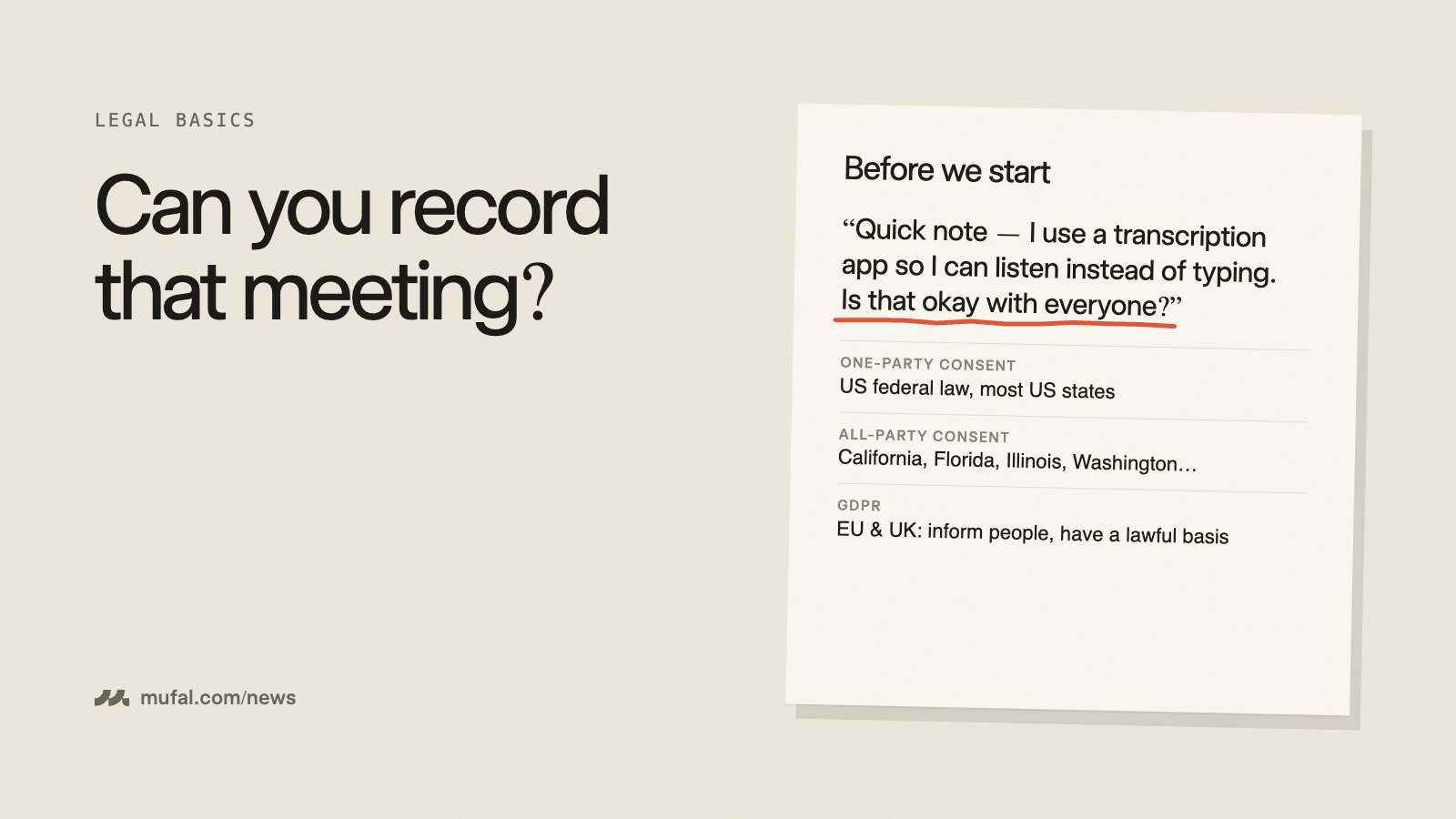
Neither tool adds a bot to the call, which keeps meetings natural. It also means the other participants cannot see that anything is running, so tell them you transcribe. We wrote a short guide on recording consent rules; in many places it is a legal requirement, not just good manners.
Where Cluely is the better choice
- You want the lowest monthly price for a paid plan and do not care about choosing models.
- You want help outside of meetings too, across whatever is on your screen.
Where Mufal is the better choice
- You want a free plan you can actually use, or to run on your own API keys.
- You want to choose the AI model.
- Your work is conversations with clients, candidates or prospects, and you want the notes and follow-ups handled too.
- You want your meetings on your iPhone as well.
The fastest way to decide is to try both on the same kind of call. Mufal is free to download, and our longer Cluely alternative page covers the details.