Most meeting notes fail for the same reason: they are written as a story of the meeting ("we talked about X, then Y said..."). Nobody reads that. What people want afterwards is three things: what was decided, who does what by when, and what is still unresolved.
Here is the template we use, then examples for different meetings.
The template
Meeting name, date
People: who attended (and who was missing, if it matters)
- Decisions — what was agreed, one line each. If nothing was decided, write "No decisions". That is useful information too.
- Action items — task, owner, due date. One owner per task. No owner means it will not happen.
- Open questions — what still needs an answer, and who will find it.
- Context (optional) — two or three lines someone who was absent needs to understand the decisions.
Put decisions first. Someone skimming the notes on their phone should get the outcome in five seconds.
Example: weekly team sync
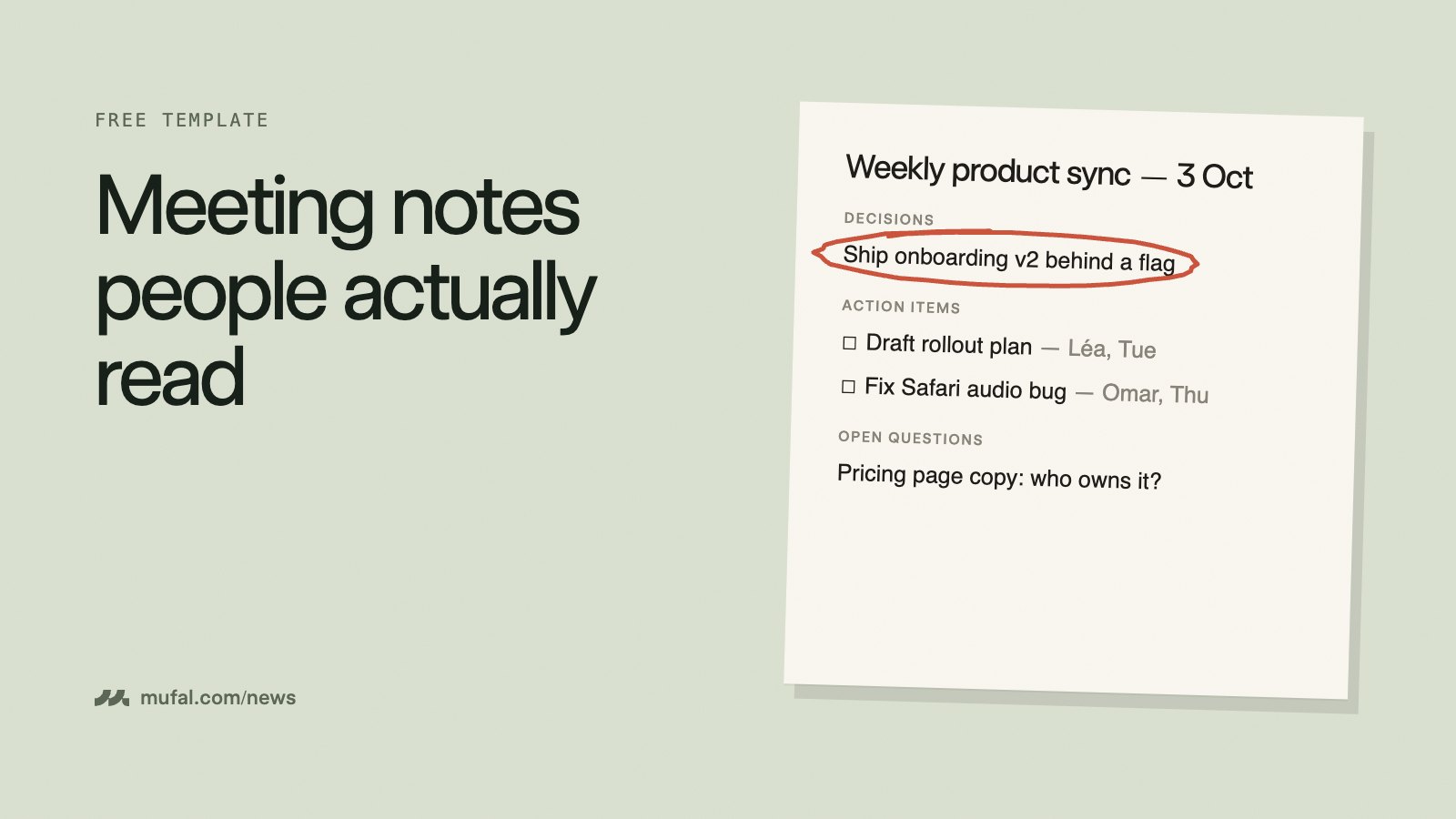
- Decisions: Ship onboarding v2 behind a feature flag on Monday. Pause the referral email test until the bug is fixed.
- Action items: Draft the rollout plan — Léa, Tuesday. Fix the Safari audio bug — Omar, Thursday.
- Open questions: Who owns the pricing page copy? (Sam to ask marketing.)
Example: client call
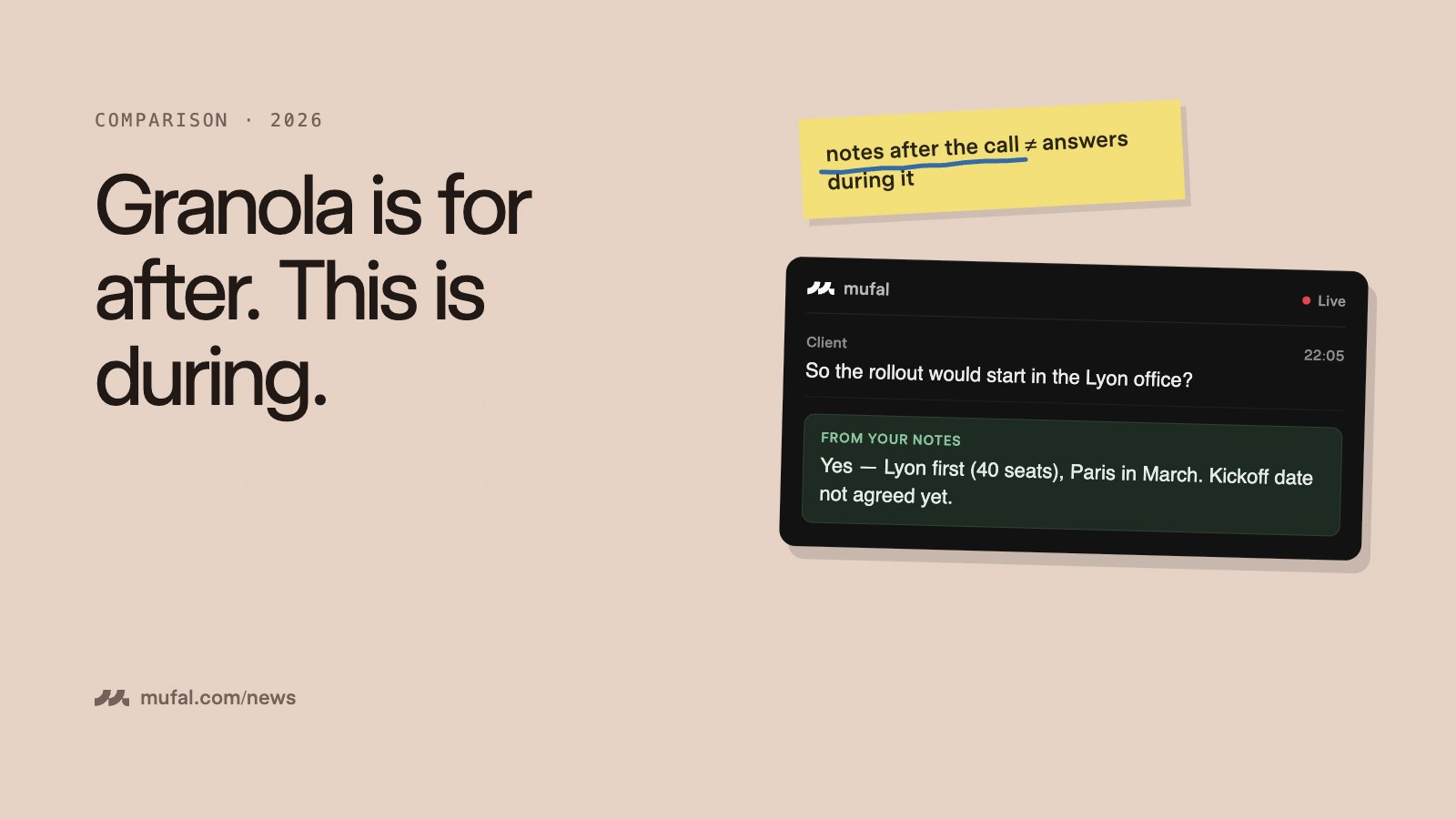
- Decisions: Start with the Lyon office (40 seats); Paris in March.
- Action items: Send the revised quote — you, Wednesday. Share IT security questionnaire — client, next week.
- Open questions: Kickoff date not agreed. Who signs on their side?
- Context: Budget resets in Q1; they compared us with their current tool on price only.
For client calls, send these notes within the hour. It shows you listened, and it gives the client something to forward internally.
Example: 1:1
- Decisions: Move the analytics project to next quarter.
- Action items: Book time with design — Alex, this week.
- Open questions: Is the promotion timeline still Q1?
- Context: Alex feels stretched across two projects.
Keep 1:1 notes private between the two people unless both agree otherwise.
Tips that make the difference
- Write decisions as sentences, not topics. "Pricing" is not a decision; "Keep the current price until January" is.
- Use real dates, not "next week".
- Share in the same place every time, so people know where to look.
- Correct names, numbers and commitments before sending. That is where mistakes cost the most.
Filling it without typing during the meeting
The hardest part of taking notes is that you stop listening while you write. An AI meeting assistant can do the first draft for you. In Mufal, once the meeting ends, ask: "Give me decisions, action items with owners and dates, and open questions." You get the template above filled from the transcript, which you review and correct in a minute rather than writing from scratch.
During the call, you can also ask "what have we decided so far?" to recap before everyone leaves, which is the best moment to catch a missing owner.
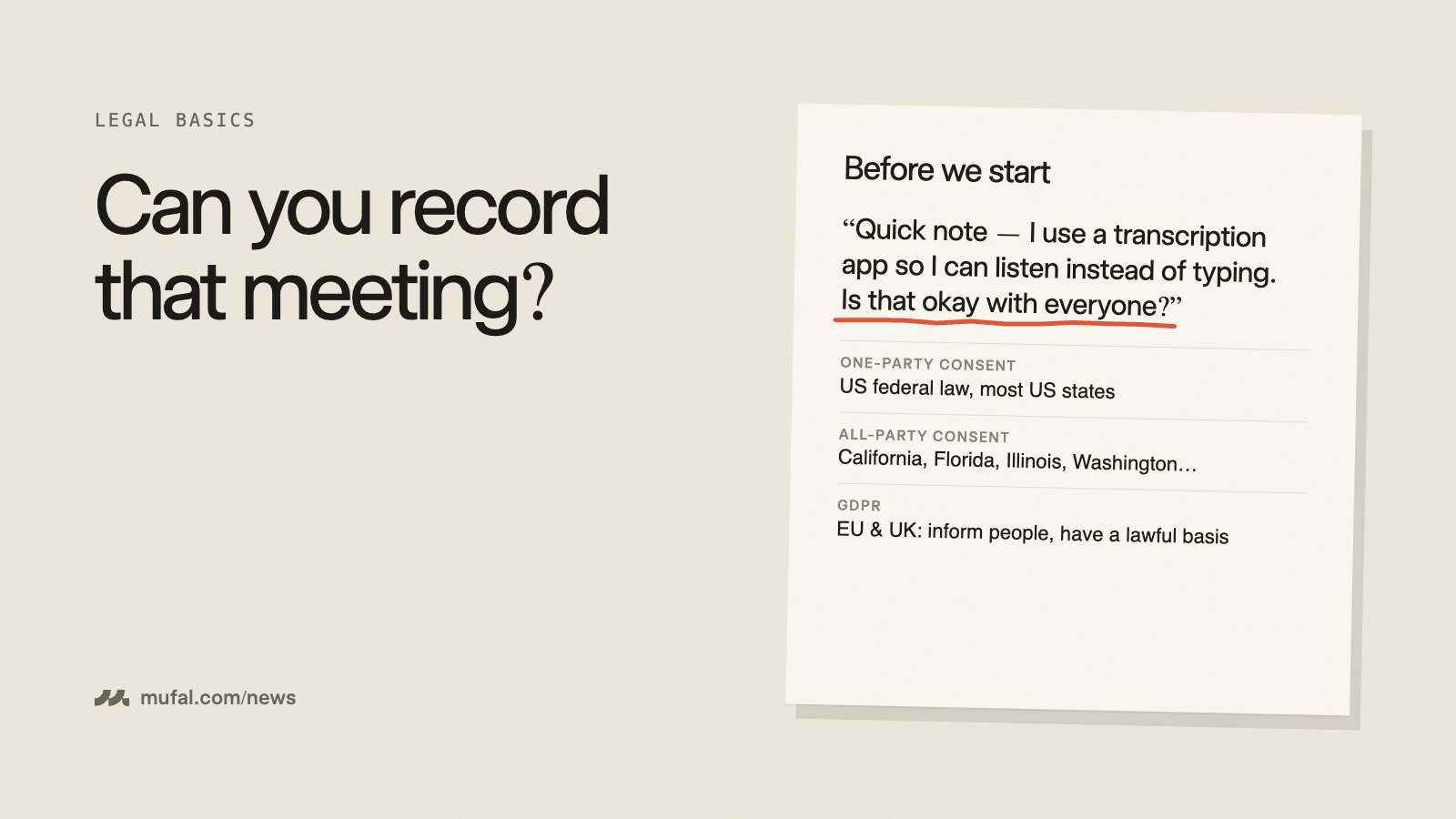
Mufal runs on your desktop with no bot in the call; let participants know you transcribe. Try it free, or see how to get started.