
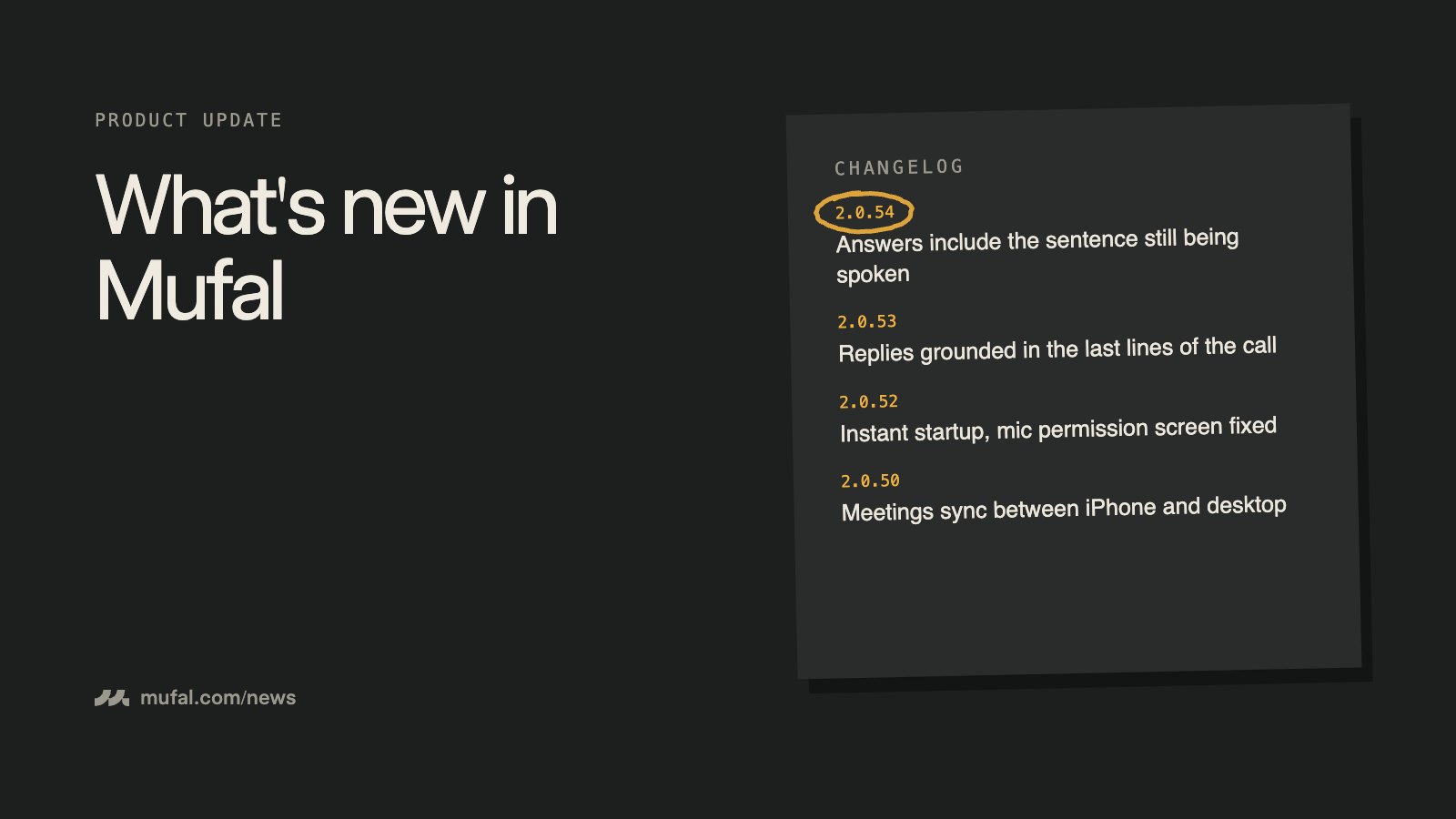
We shipped five desktop releases between 2.0.50 and 2.0.54. Most of the work went into one complaint we kept hearing: "I clicked Answer and it replied to the previous question." Here is what changed, in the order you will notice it.
2.0.54 — Answers include the sentence still being spoken
Until this release, if you asked Mufal for help while the other person was mid-sentence, the answer was built from the last finished line of the transcript. The grey line still being transcribed was ignored, so you got a reply to the question before.
The cause was boring: the app kept a single slot for "text in progress", shared between your microphone and the meeting audio. When you said "ok" or the mic picked up a bit of echo, that slot was wiped. Now each side of the conversation keeps its own live line, and when you click Answer (or type "réponds", or use the shortcut) Mufal reads the freshest version of what the other person is saying right now.
Copy also includes the in-progress sentence, which is handy when you want to paste a question into your notes before it is finished.
2.0.53 — Replies grounded in the last moments of the call
The assistant now separates the full meeting transcript from the last few lines of the conversation, and is told to answer the latest thing the other side said. Documents you attached to a mode or a project are filtered by relevance to that moment, so a pricing sheet no longer leaks into an answer about onboarding.
We also started measuring this properly. Every change to how the answer is built now runs against a fixed set of real-looking conversations, scored by a separate model. It is not perfect, but "it feels better" is no longer the only test.
2.0.52 — Faster start, and the microphone screen works
- The app opens noticeably faster: the meeting list loads first, heavier pieces (like math rendering) only load when you need them.
- On some Macs, granting microphone access in System Settings did nothing until you restarted Mufal by hand. Mufal now detects the new permission and restarts itself once.
- On Windows, Mufal reads the real microphone privacy switch instead of assuming access, and the settings button opens the right page.
2.0.50 and 2.0.51 — Your meetings on every device
Meetings recorded on the desktop now show up in the iPhone app, and meetings recorded on the phone show up on the desktop. Edits and deletions sync both ways. Later syncs only fetch what changed, so the list stays quick even with hundreds of meetings, and the desktop no longer stops at the 100 most recent.
Updates install themselves
If you are on a recent version, you never need to download Mufal again. New versions download quietly in the background, and you get a single "Restart to update" prompt. If the app is idle, it applies the update on its own.
Not on Mufal yet? Download it for Mac or Windows. The free plan includes 60 minutes of live transcription a month and 25 AI answers a day, no card required.