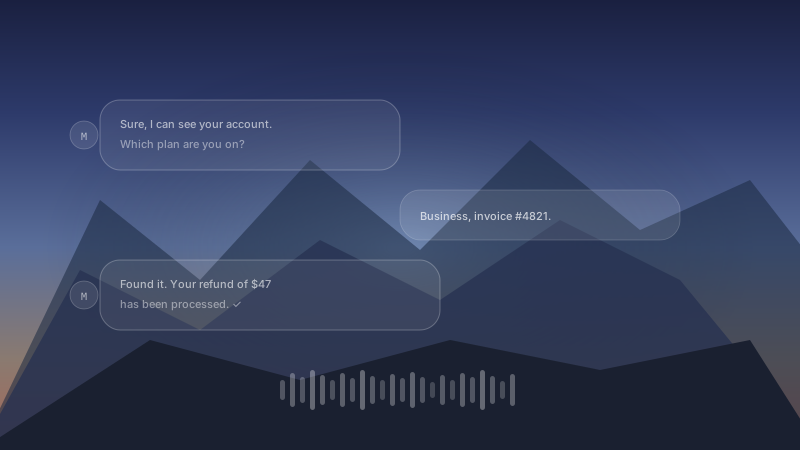
Every conversation your AI handles is a data point. A question someone couldn't answer themselves. A process that took too long. A topic that keeps coming up week after week. Until now, that signal was buried in transcripts and ticket notes, waiting for someone to find it.
Today we're launching Mufal Intelligence — a live analytics layer that turns every AI interaction into structured, actionable intelligence for your team.
What Intelligence surfaces
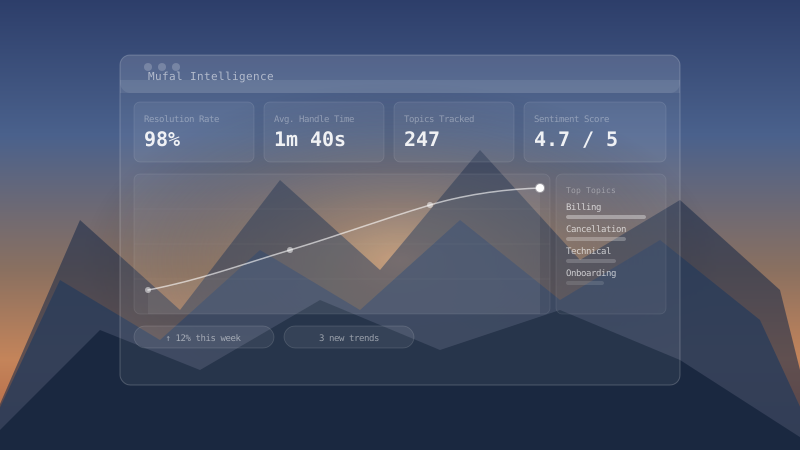
Mufal Intelligence analyzes 100% of your conversations in real time, automatically extracting patterns across four key dimensions:
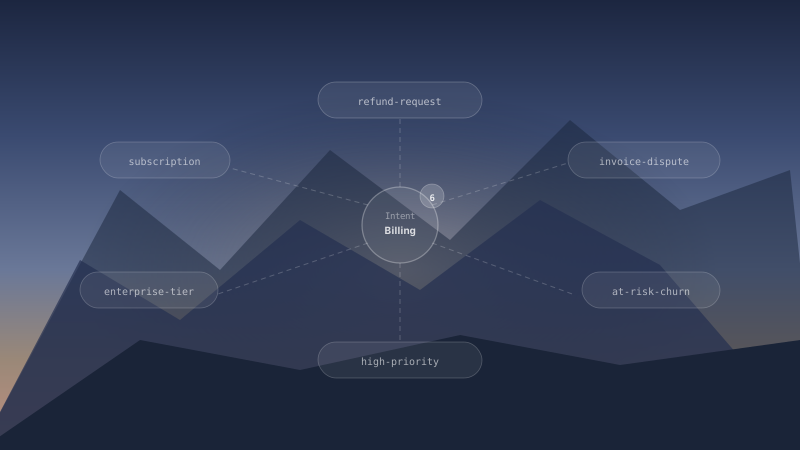
- Topic clustering — see which issues are driving volume, and how that shifts over time
- Resolution analytics — understand where your AI succeeds, struggles, and why
- Sentiment tracking — identify frustration spikes before they become churn
- Emerging trends — get alerted when a new issue starts appearing in conversations, days before it hits your support queue
Designed for operations teams
Intelligence was built for the people who run customer operations — not data analysts. You don't need SQL. You don't need to define schemas. You open the dashboard and the data is there, labeled and contextualized.
The interface is built around three views: a real-time feed showing what's happening right now, a trend view showing how things are changing over days and weeks, and an opportunity view that flags specific gaps your AI or team can close.
Closing the feedback loop
The most powerful use of Intelligence isn't just viewing data — it's acting on it. When it identifies that 40% of calls about billing relate to a specific plan tier, you can update your AI's knowledge base in one click. When it surfaces that customers keep asking about a feature that doesn't exist yet, you have a quantified product signal to bring to your next roadmap meeting.
Mufal Intelligence turns your support operation into a real-time listening post for your entire business.
Available now
Intelligence is included in all Mufal Business and Enterprise plans starting today. Head to your dashboard to enable it, or reach out if you'd like a walkthrough from the team.