
Some meetings need help in the moment. You may need a reminder, a sharper answer, a translation, or the next question to ask. But if you are sharing your screen, that private help needs to stay private.
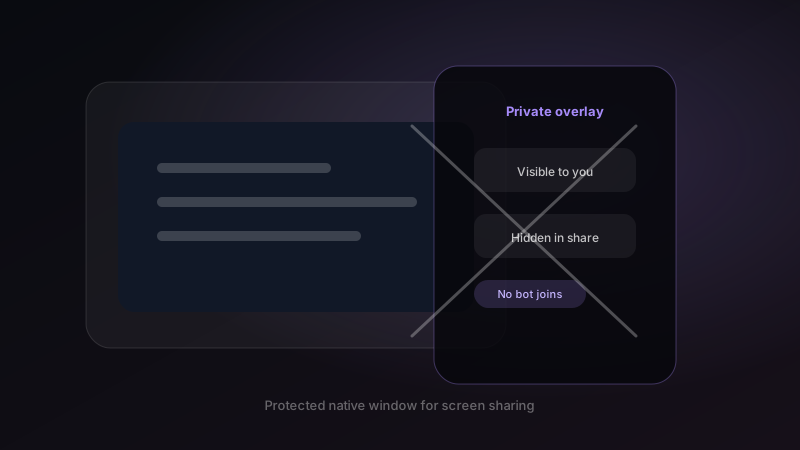
Undetectable Mode is Mufal's native overlay behavior for screen sharing. The assistant stays visible to you, while the protected window is excluded from supported screen-share captures. No participant bot joins the call.
Why bot-free matters
Visible meeting bots can make sensitive calls feel heavier. They can be blocked by meeting settings, questioned by clients, or simply change the tone of the room. Mufal is built as a private desktop copilot instead.
What undetectable means
It means the Mufal overlay uses native content protection so it is not shown in supported screen-share captures. It does not mean you should ignore consent, recording rules, or company policy. It means the product is designed for private assistance without creating another meeting participant.
Where it helps most
Undetectable Mode is useful in demos, consulting calls, interviews, client reviews, investor updates, and technical support conversations where you need fast context without exposing your assistant on the shared screen.